 VRAM Fit Check
See if a model fits your GPU before you download it.
People browsing Hugging Face or the Ollama library who want to know if a model will fit their GPU before downloading it.
Add to Chrome — freeRead the help
What it does
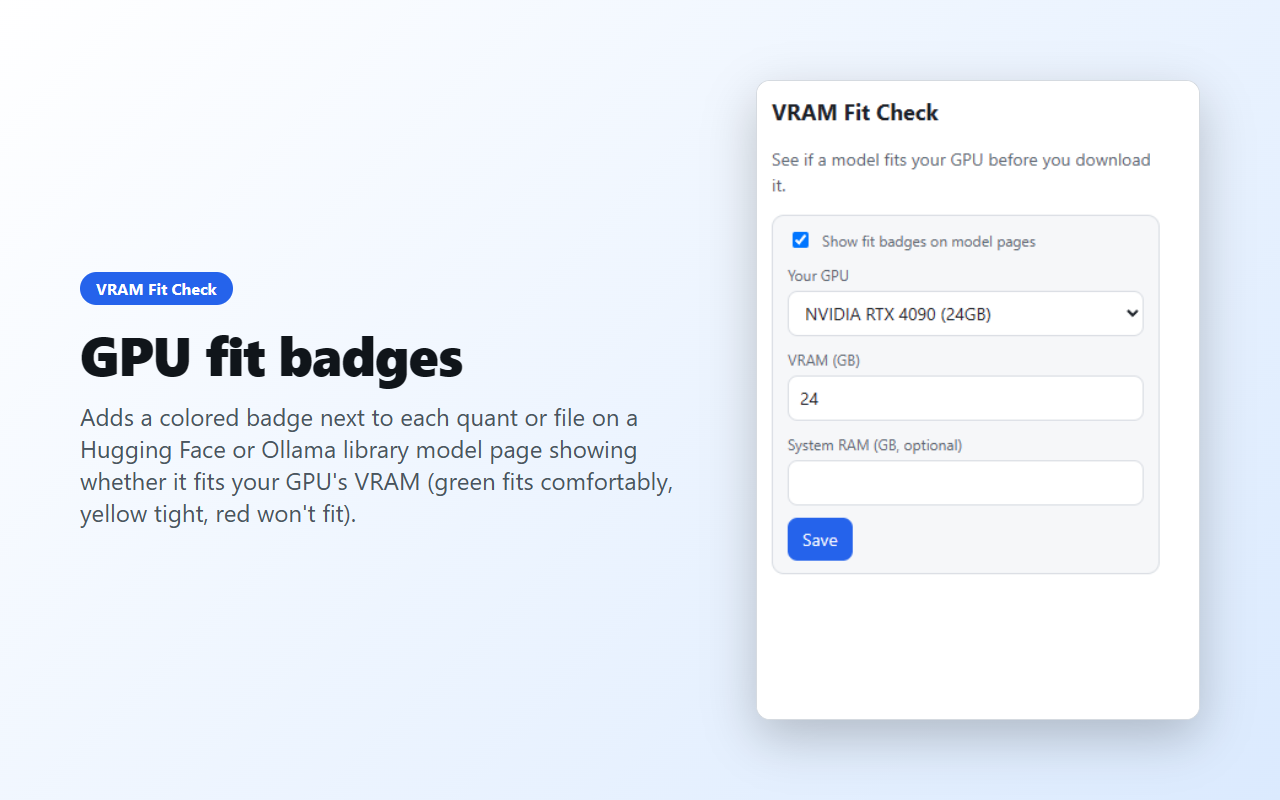
Adds a colored badge next to each quant or file on a Hugging Face or Ollama library model page showing whether it fits your GPU's VRAM (green fits comfortably, yellow tight, red won't fit).
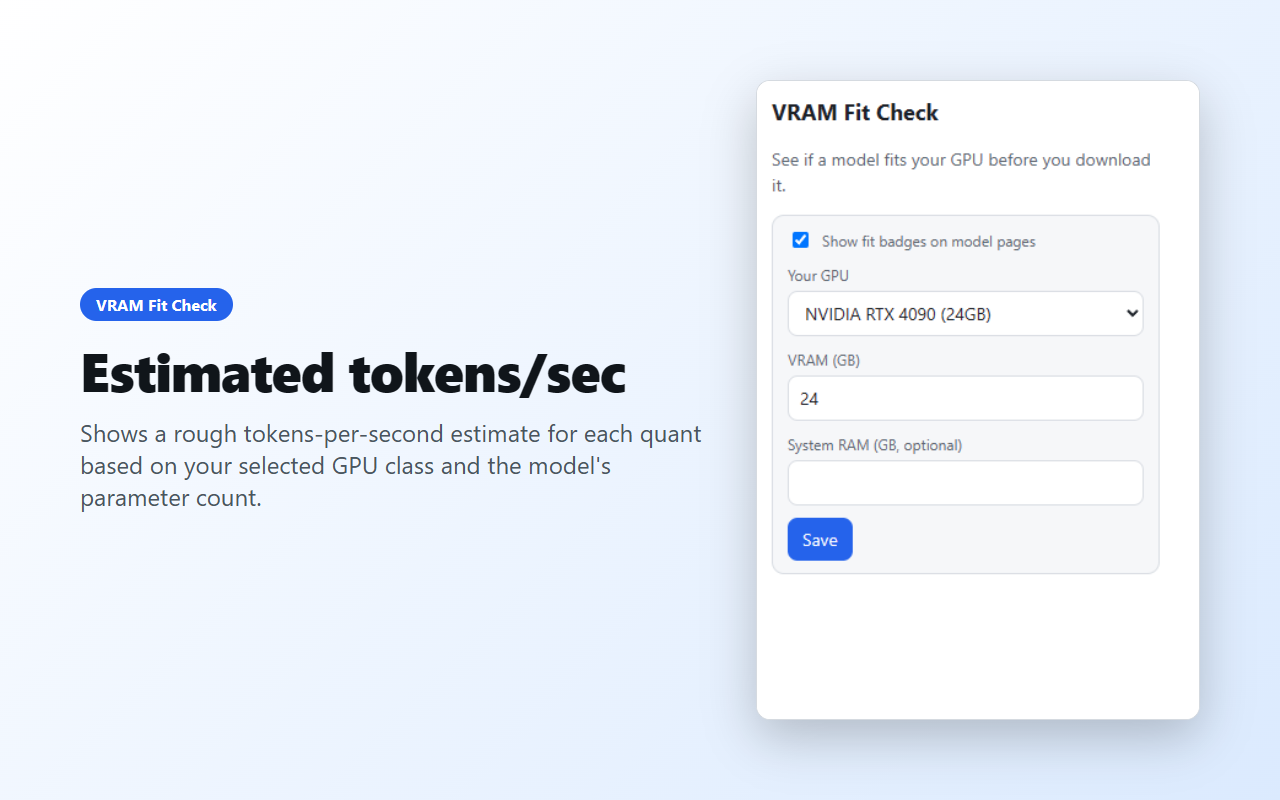
Shows a rough tokens-per-second estimate for each quant based on your selected GPU class and the model's parameter count.
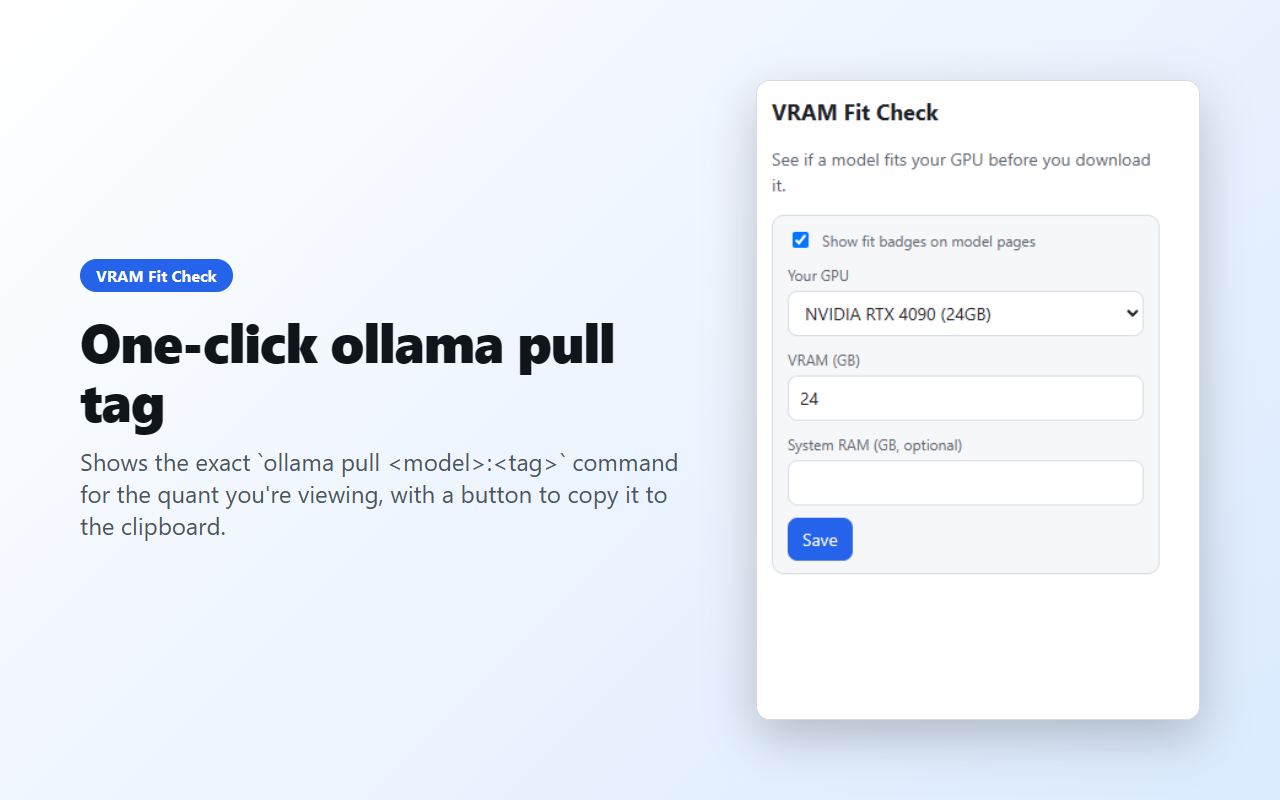
Shows the exact `ollama pull
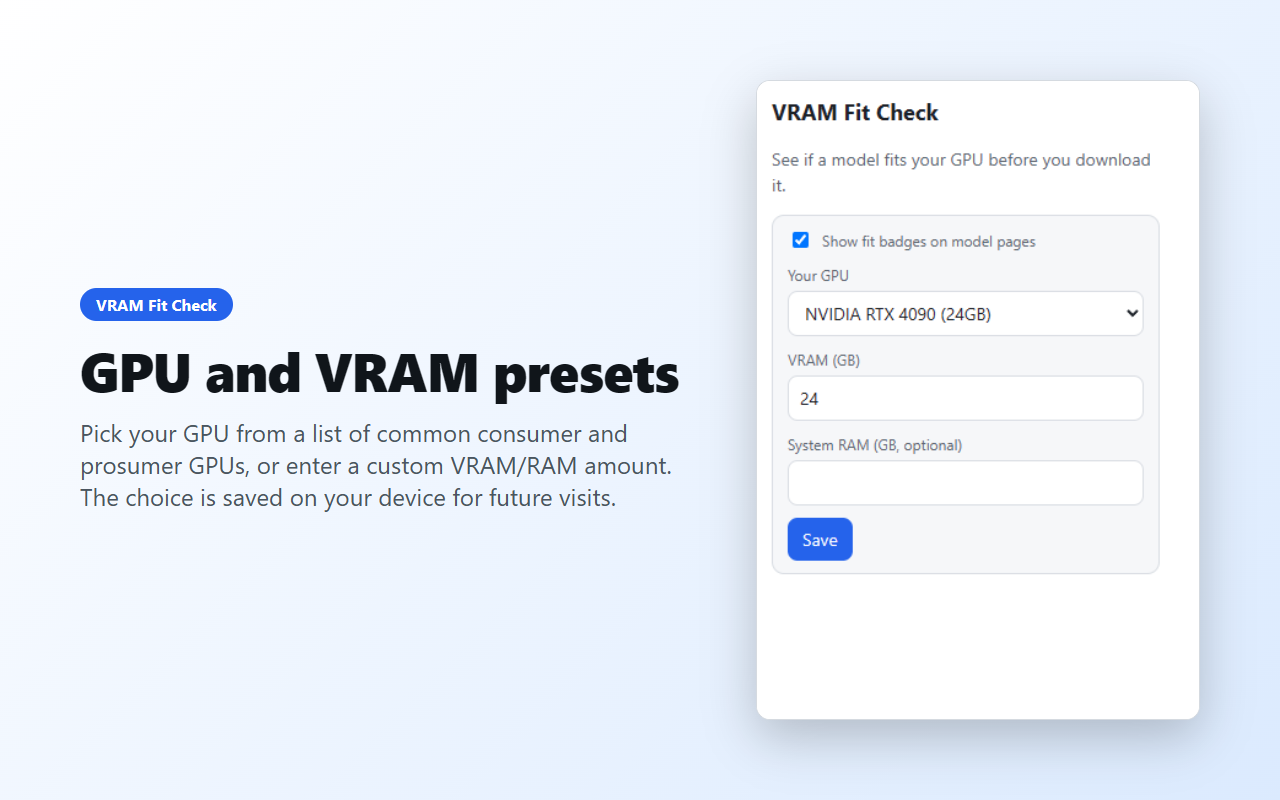
Pick your GPU from a list of common consumer and prosumer GPUs, or enter a custom VRAM/RAM amount. The choice is saved on your device for future visits.
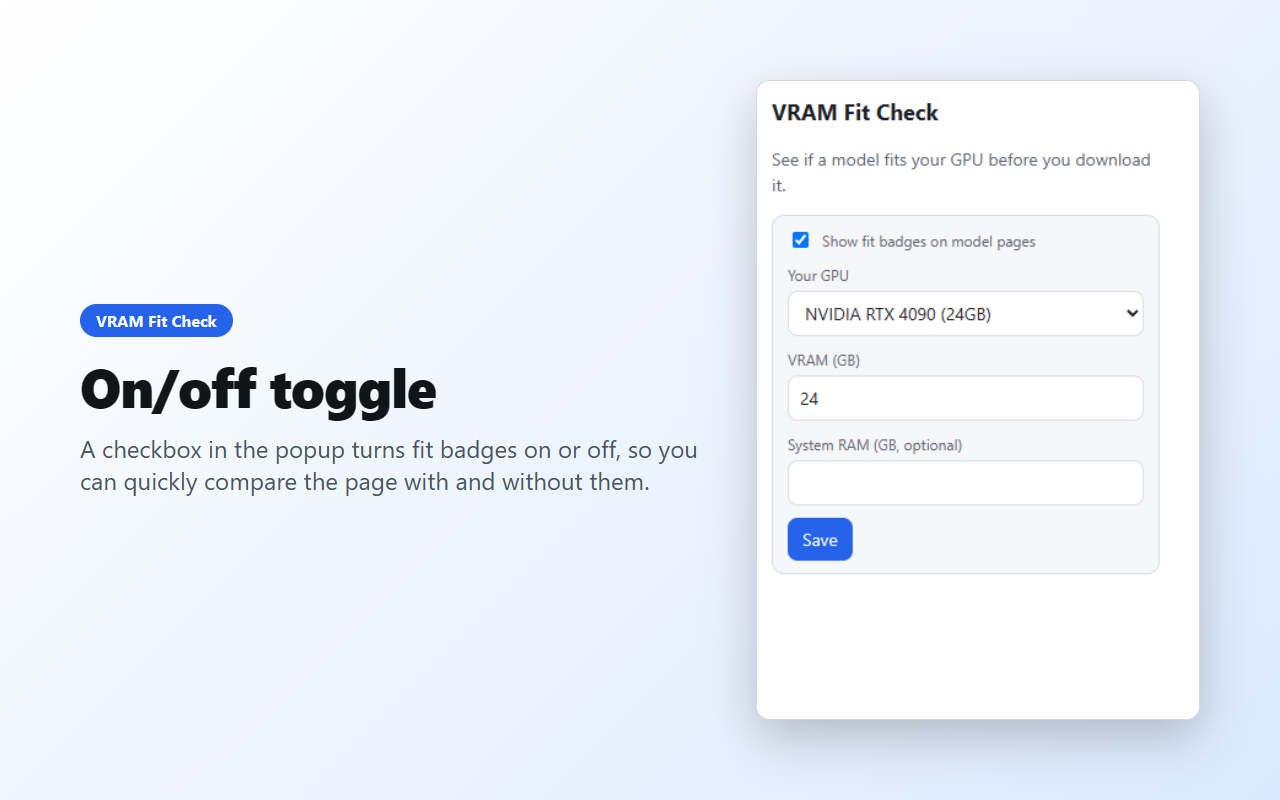
A checkbox in the popup turns fit badges on or off, so you can quickly compare the page with and without them.
See it in action
Privacy
VRAM Fit Check keeps everything on your device. It contains no code that sends data anywhere, and has no account, ads or analytics.